📋 In This Post
Lab Overview
Deploying one containerized service by hand means a cluster, a task definition, a target group, a listener rule, security groups and a scaling policy — about an hour of work, and a fresh chance each time to skip a health check or wire a security group wrong.
This lab makes the ticket the trigger. A ServiceNow request carrying an image URI and a port becomes a running, load-balanced, auto-scaling Fargate service in minutes, provisioned the same way every time. The interesting part is what the design's two cost decisions — one shared load balancer, and no NAT gateway — then demand of every application that runs on it.
| What it does | Turns a ServiceNow ticket into a private-subnet Fargate service behind a shared ALB, with target-tracking auto-scaling and a per-ticket audit trail |
|---|---|
| Core services | ECS Fargate, Application Load Balancer, ECR, VPC endpoints, Step Functions, Lambda, API Gateway, Application Auto Scaling |
| Terraform resources | 51 blocks counted — 43 across eight modules, plus 8 in the dev root where the VPC endpoints live to avoid a circular dependency with the security-groups module |
| Per-ticket resources | Seven, created imperatively by Lambda and therefore not in Terraform state — which matters at cleanup |
| Lab runtime | Not recorded |
| Cost | Estimated ~$64/month if left running (shared ALB $24, VPC endpoints $21.90, one task $17.87). Destroyed: $0 |
| Status | Published 12 July 2026 — resources destroyed |
Cloud Services and Concepts
| Service or concept | Its job here |
|---|---|
| ECS Fargate | Runs the container with no EC2 instance to patch or scale; CPU and memory are declared per task |
| Shared ALB, path-based routing | One load balancer for every
service, each reachable at /<service-name>/ |
| VPC interface and gateway endpoints | Private reach to ECR and CloudWatch Logs, plus S3 for image layers, instead of a NAT gateway |
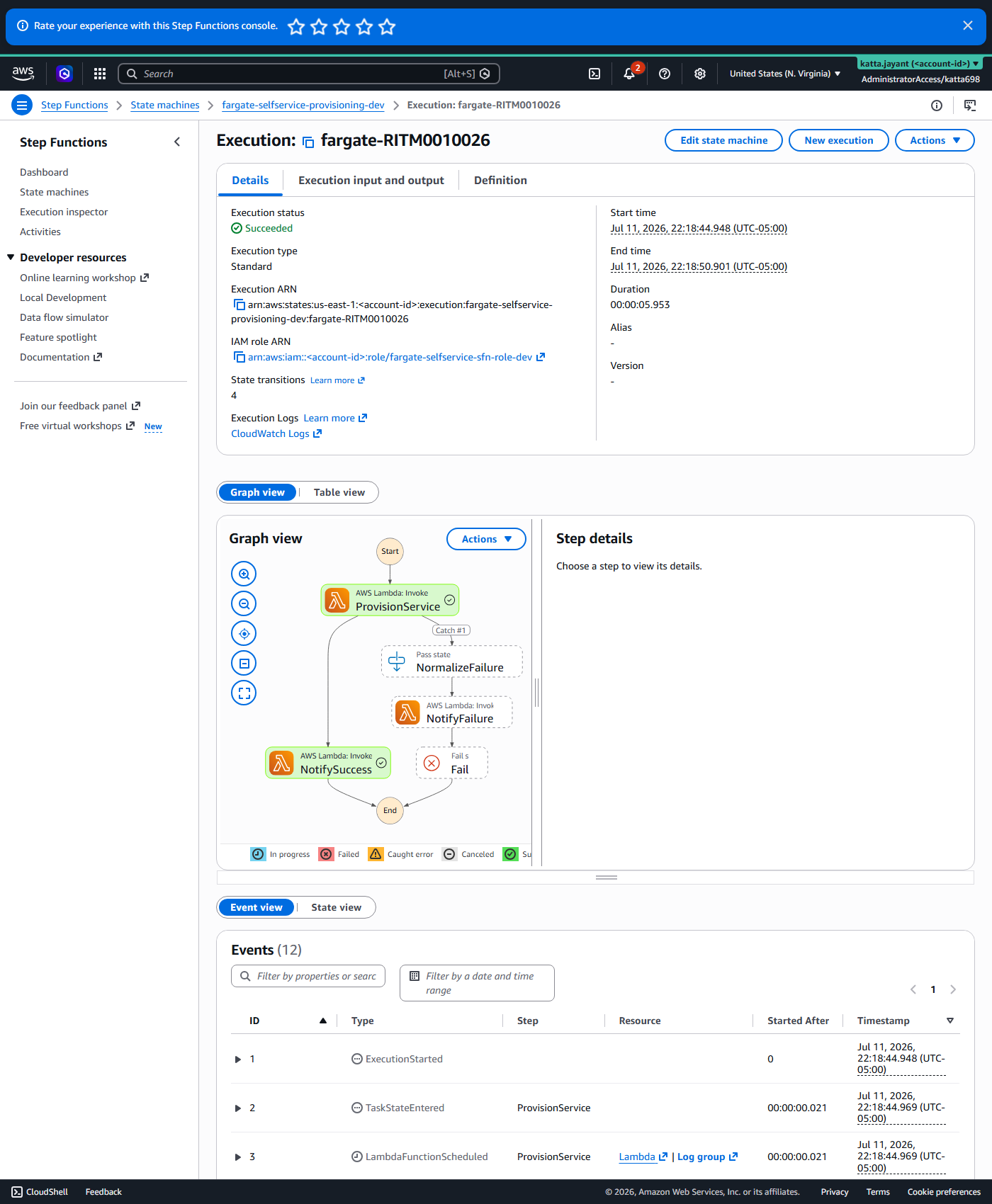
| Step Functions | Two states with real retry and catch semantics, so a provisioning failure and a ticket-closing failure are distinct and individually retryable |
| Lambda | fargate_provisioner creates the per-ticket
resources; status_notifier closes the ticket |
| Application Auto Scaling | Target tracking on CPU, registered per service |
One ALB is the cost lever
A load balancer costs about $24 a month regardless of how many services sit behind it. One per self-service ticket would multiply that by the number of services; ten services would be $240 a month against $24. Hence path-based routing on a single shared ALB — every new service adds a listener rule, not a load balancer.
Path-based routing, and what it costs the app
Host-based routing gives each service its own subdomain, which is AWS's own ECS Express Mode pattern, but it needs an owned Route 53 hosted zone to mint a subdomain per service. Path-based routing needs no DNS at all — and an ALB has no "strip prefix" action, unlike NGINX Ingress or Traefik. The full path arrives at the container unmodified, so every app here must serve its content under its own prefix. That is a real constraint on what "just deploy any container" means, and it bit during testing.
A retried Lambda must be idempotent
A Step Functions Retry block re-invokes the same function on transient failure. If the first invocation partially succeeded — created the ECR repository before failing on the target group — the retry tries to create it again. Every resource-creating call in this pipeline had to become check-before-create, which was learned the hard way rather than designed in.
Architecture and Workflow
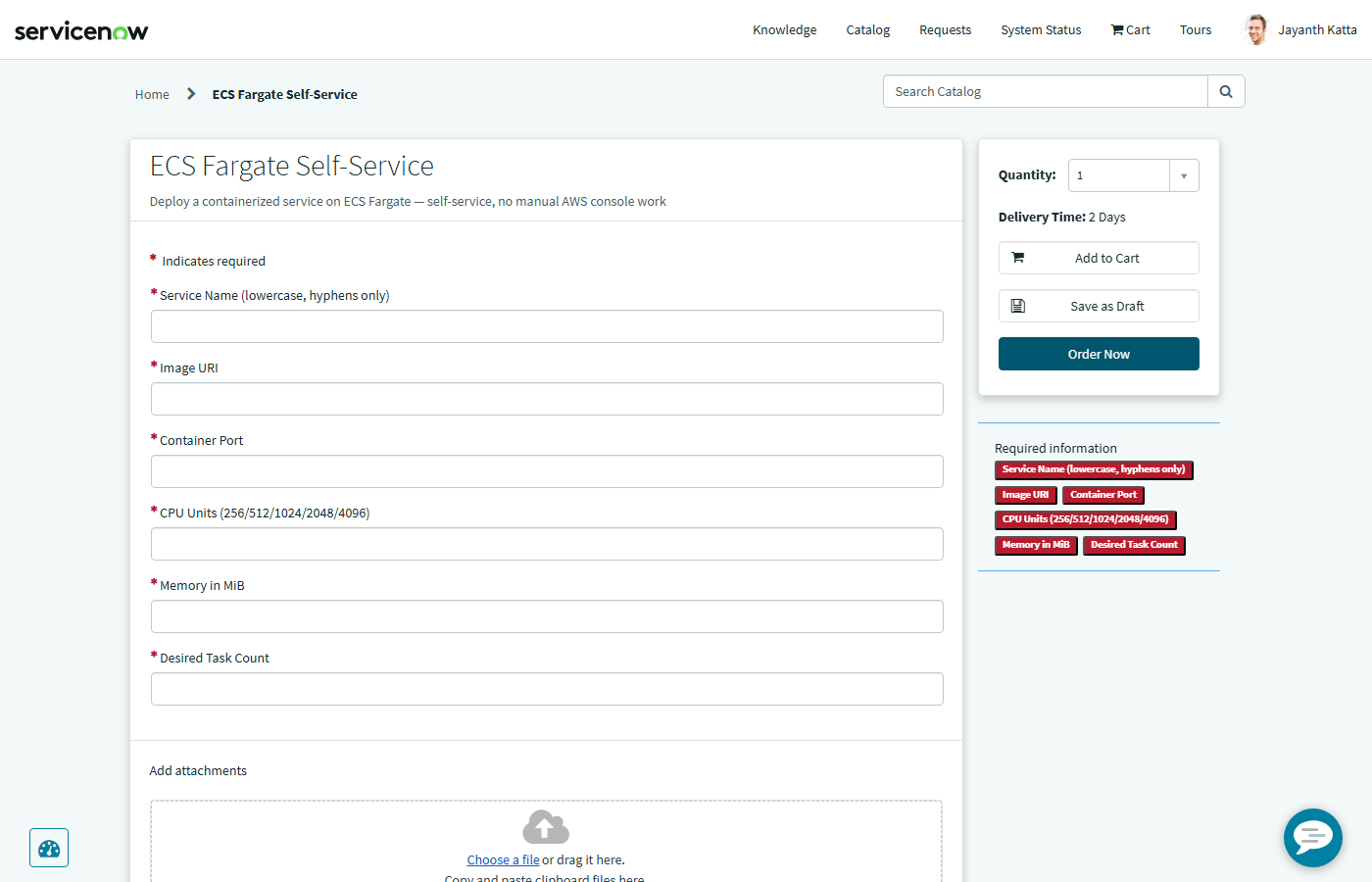
- Request. A ServiceNow catalog item collects
service_name,image_uri,container_port,cpu,memoryanddesired_count. - Authenticate and hand off. A Business Rule fires an HMAC-SHA256-signed webhook at API Gateway, which starts a Step Functions execution. Only correctly signed requests reach the receiver.
- Provision.
fargate_provisionermakes seven boto3 calls per ticket: create the ECR repository (scan-on-push, immutable tags), create the log group, register the task definition, create the target group with a health check path of/<service>/, add the path-pattern listener rule, create the ECS service in private subnets with no public IP, and register the scalable target with a CPU target-tracking policy. - Close the loop.
status_notifierruns as a separate state and writes the outcome back to the ticket. Splitting the two means the execution graph says whether the infrastructure failed or just the notification did. - Serve. The task runs in a private subnet with no internet route, reachable only through the shared ALB at its own path prefix.
Prerequisites
| Requirement | Why | How to check |
|---|---|---|
| The Application Auto Scaling service-linked role | Needed once per account before a scalable target can be registered.
Absent, the first real ticket fails at the auto-scaling step with a
ValidationException |
Look for
AWSServiceRoleForApplicationAutoScaling_ECSService in
IAM; the provisioner is permitted to create exactly this one |
| Every image already in private ECR | Tasks have no internet route and
public.ecr.aws has no VPC endpoint, so a public image cannot
be pulled by design |
The ticket's image_uri points at an account ECR
repository |
| Apps that serve their own path prefix | The ALB forwards /<service>/ unmodified, and the health
check must match what the app actually serves |
Request /<service>/ directly and expect a 200 |
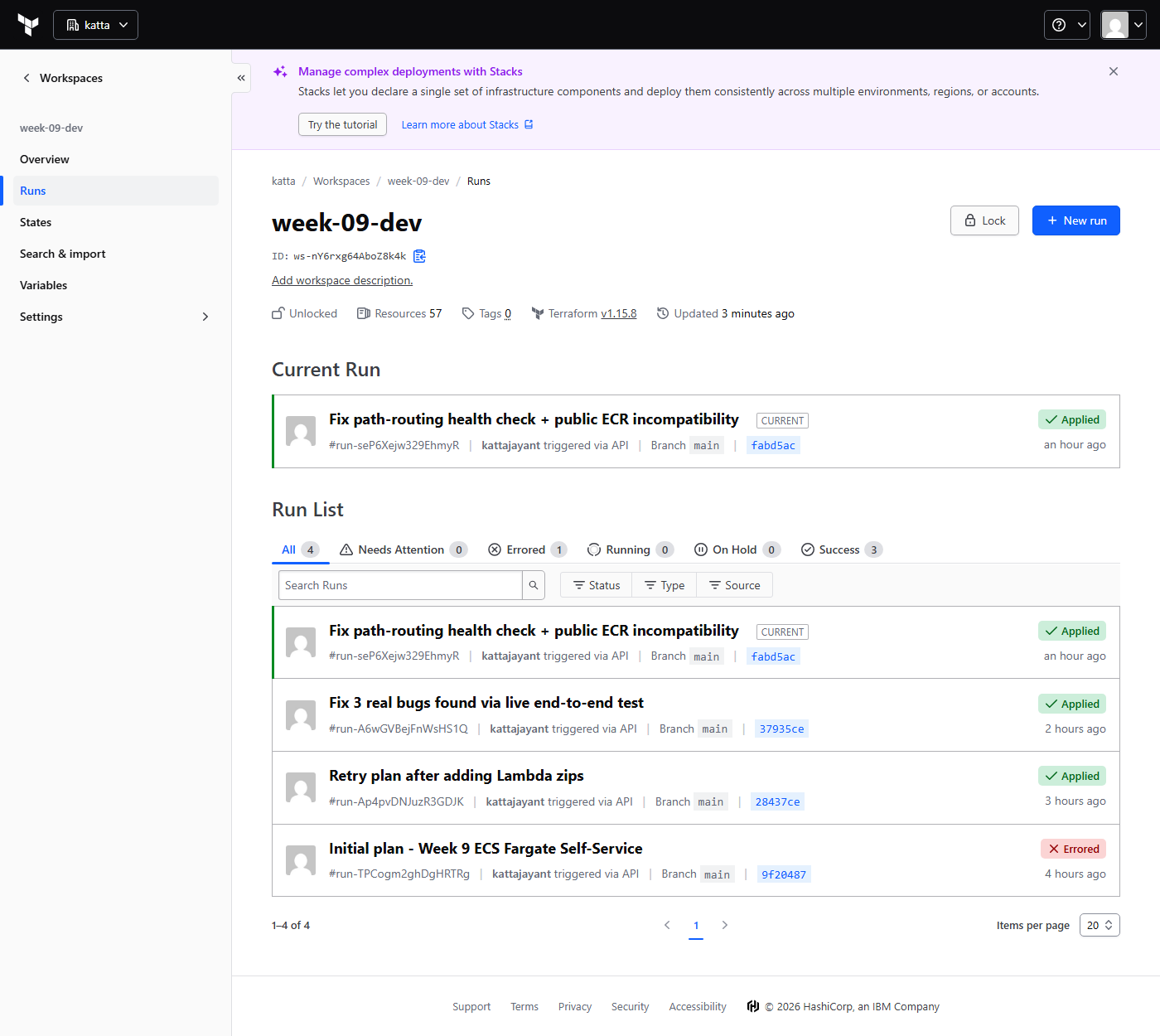
| A VCS-connected HCP workspace | week-09-dev runs Terraform remotely from GitHub; a local
terraform destroy fails against it |
The workspace shows runs triggered by commits |
| ServiceNow webhook secret and credentials, kept out of git | terraform.tfvars and .servicenow.env carry the
shared secret |
Both are gitignored |
Implementation
| Module | Blocks | Its job |
|---|---|---|
iam | 13 | Execution role, provisioner role, and the scoped policies behind both |
vpc | 8 | The network the tasks run in, with no internet route |
api-gateway | 7 | The signed webhook entry point |
lambda | 6 | The provisioner and the notifier |
security-groups | 3 | ALB-to-task and endpoint access |
alb / ecs-cluster /
step-functions | 2 each | The shared load balancer, the shared cluster, the state machine |
| dev root | 8 | The VPC endpoints, kept out of the
vpc module to avoid a circular dependency with
security-groups |
The ALB is deliberately almost empty in Terraform: one listener whose default action is a fixed-response 404. No target groups exist until a ticket arrives, because every per-service target group and listener rule is created imperatively by the provisioner. That is what makes the platform generic — and what makes cleanup a manual step.
Validation and Evidence
Tested by submitting real tickets through the catalog item, not by invoking the functions directly — which is how the path-rewriting and idempotency problems surfaced at all.
| Test | Expected | Actual | Status |
|---|---|---|---|
| Submit a catalog request for a private-ECR nginx image | Step Functions completes both states | RITM0010026 ran ProvisionService then NotifySuccess, both green | Pass |
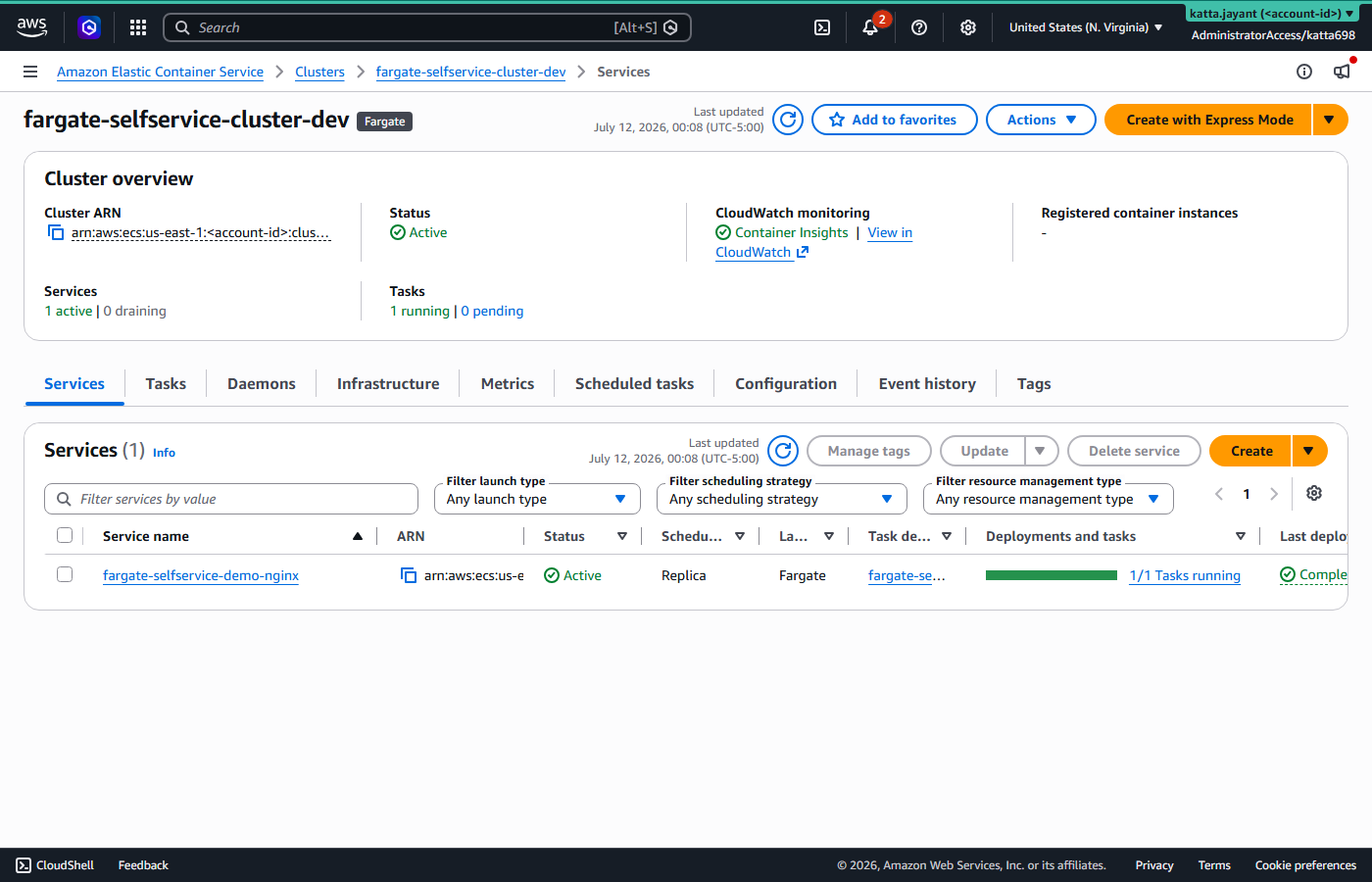
| ECS service health | Task registers healthy against the path-aware health check | One healthy target, zero unhealthy | Pass |
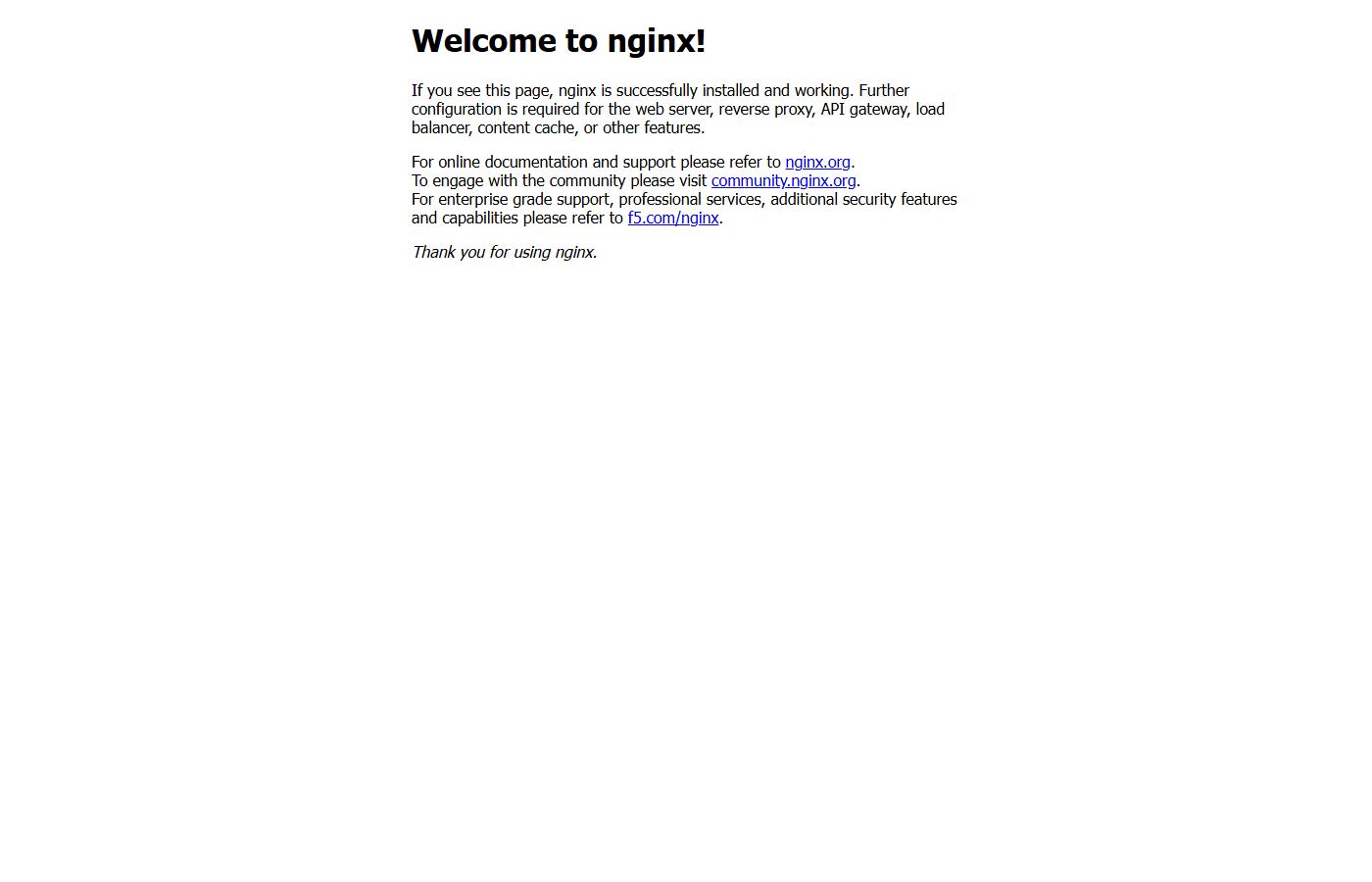
| Reach the service over HTTP | The shared ALB serves the app at its own path prefix | Real response from the live ALB URL | Pass |
| Ticket closed automatically | The request item closes with a provisioning work note | Closed with a "Provisioning SUCCEEDED" note — the full loop | Pass |
| Public registry image | Expected to fail; tasks have no internet route | CannotPullContainerError ... i/o timeout, as the design
implies |
Pass (by design) |
Security and Cost
| Control | Implementation | Why it matters |
|---|---|---|
| Webhook authentication | HMAC-SHA256 signature validation on the ServiceNow webhook | Only requests signed with the shared secret reach the receiver |
| No internet route for tasks | Private subnets, reachable only from the ALB's security group | A compromised container can neither reach the internet nor be reached directly |
| No default task permissions | Shared execution role only — pull image, write logs; no task role | A self-service task gets zero AWS permissions unless something explicitly grants them |
| Least-privilege provisioning | The provisioner's role is scoped to this project's name prefix wherever the API supports resource-level ARNs | The Lambda that creates infrastructure cannot touch anything outside the platform's naming convention |
| Image integrity | Scan-on-push and immutable tags on every per-service repository | Vulnerabilities are flagged at push; a tag cannot be silently swapped after deploy |
Cost
Rates for us-east-1 as published in July 2026 — estimates, not a measured bill.
| Resource | Rate | Note |
|---|---|---|
| Fargate, 0.5 vCPU / 1 GB, one task running continuously | ~$17.87/month | Scales with the number of live services |
| Shared ALB | ~$24/month | Fixed, however many services sit behind it |
| VPC interface endpoints (ECR api, ECR dkr, Logs) | ~$21.90/month | The price of skipping a NAT gateway, which would be ~$32 |
| ECR storage | $0.10/GB-month | One private repository per service |
| Step Functions, Lambda, API Gateway | Within the free tier | At lab ticket volume |
| After destroy | $0 | Including the imperatively-created test services |
Troubleshooting and Lessons
A genuinely healthy task kept being killed
The demo app was running and answering — confirmed by its
Server: nginx response header — and ECS kept replacing the task
as unhealthy.
Root cause: an ALB has no strip-prefix action. The full path
/demo-nginx/ reaches the container unmodified, but the target group's
health check was still hardcoded to /, which the app stopped serving
once it was made path-aware.
Fix: set the health check path to
/<service_name>/, matching what the app actually serves. The
broader consequence is a platform constraint, not a footnote: every app here must
own its prefix.
The retry was not idempotent
A transient failure triggered the Step Functions Retry, which re-ran the
provisioner from the top and hit InvalidParameterException: Creation of
service was not idempotent.
Root cause: the first invocation had already created the ECS service before failing at a later step, and the retry tried to create it again.
Fix: rewrote target group, listener rule and service creation
to check first — describe the target groups, match listener rules by path
condition, and call update_service when an ACTIVE service already
exists. Anything behind a Retry block must assume it may run twice for the same
input, including partially.
A missing service-linked role broke the first real ticket
RegisterScalableTarget failed with a
ValidationException.
Root cause: Application Auto Scaling needs its own service-linked role to exist before it can manage a scalable target, and nothing in this account had ever created one for ECS. It is invisible in local testing, where the role may already exist incidentally, and breaks cleanly on a fresh account.
Fix: an explicit
iam:CreateServiceLinkedRole statement on the provisioner's role,
conditioned to iam:AWSServiceName =
ecs.application-autoscaling.amazonaws.com — that one role and nothing
else.
The ticket would not close, and the reason was already written down
status_notifier's PATCH returned 404 for a ticket that plainly
existed.
Root cause: the ServiceNow Table API record endpoint needs the
internal sys_id, not the human-readable number shown in the UI. The
pipeline was sending the display number.
Fix: thread a separate ticket_sys_id through the
whole pipeline alongside the display ticket_id. This was week 4's own
documented lesson, not checked against the new build — a solved problem only
stays solved if the earlier lesson gets read.
A wrong field name that failed silently
Provisioning the ServiceNow side through the Table API rather than by hand
surfaced two quirks no documentation mentions: a community-standard
HexUtil call that the real instance rejects as undefined, and a field
name the API accepted without complaint while the record simply did not work. The
second is the worse failure — nothing errored, and the only way to catch it
was reading the raw JSON.
Cleanup and Key Takeaways
The per-ticket resources are not in Terraform state. Every
ticket's ECR repository, task definition, ECS service, target group and listener
rule was created through boto3, so a destroy run will not remove them — and
will fail on the dependent target groups and attached ENIs if a service is still
running. Run scripts/cleanup.sh to walk the pre-destroy checklist
first, then queue the destroy from HCP (week-09-dev → Actions
→ Start destroy plan; a local destroy fails against a VCS-connected
workspace).
- Idempotency is not optional behind a Retry block. Check-before-create on every resource-creating call, not just error handling around it.
- Skipping the NAT gateway is a design constraint, not just a saving. It saves about $32 a month and permanently rules out public registries. That was confirmed by a real timeout rather than assumed.
- Path-based routing pushes a constraint onto every app. No path stripping means each app serves its own prefix, and the health check must match exactly or a healthy task gets killed.
- A written-down lesson only helps if it gets checked. The
sys_idbug was solved and documented in week 4 and shipped again here. - A silent wrong field is worse than an error. ServiceNow accepted an invalid field name without complaint; nothing failed loudly and the record just did not work.
Comments